
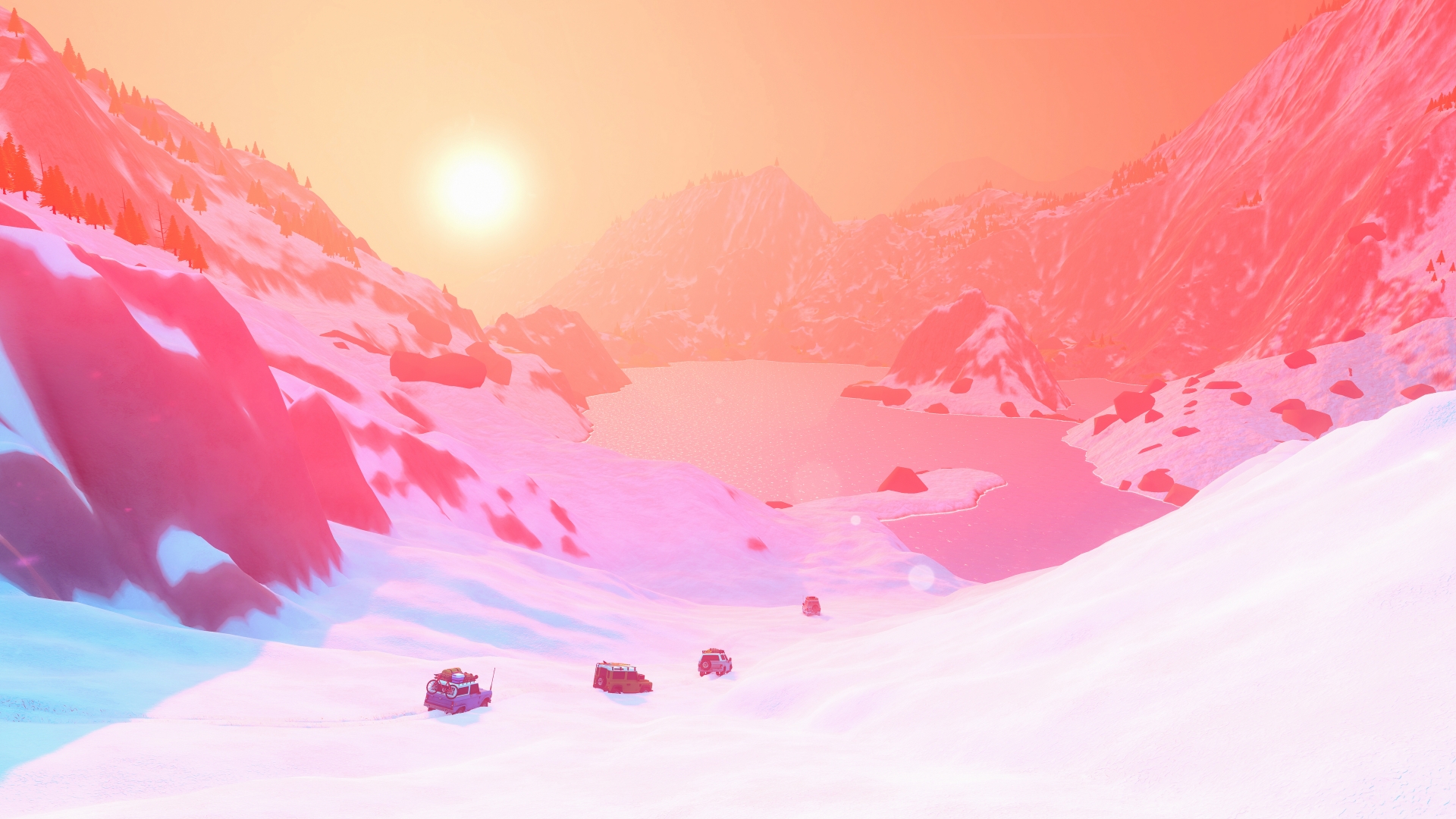
Source: official over the hill website. Game imagery © Funselektor and Strelka Games.
Livery mods: what the developer actually announced
A livery changes the visual design applied to a vehicle, which is a different kind of customization from adding an entirely new car. The modding question in the official FAQ explicitly mentions maps, cars and liveries together. Its answer prioritizes livery support as an intention for the initial release, so that answer should be read as a statement of scope and plans.
The wording does not supply a download link, a supported image format or an import workflow. We have not verified a release-build livery installation procedure from that FAQ, and this page therefore does not provide a guessed folder path. Before using a community tutorial, compare its game version and instructions with a current developer announcement or documentation.
Custom cars and maps: check the scope first
The FAQ makes modding beyond liveries dependent on the reception of the released game. That leaves custom vehicles and custom maps as possibilities to watch rather than tools confirmed by that answer. A planned feature also does not establish that existing community downloads can already load into the current release.
If you are looking for more places to explore immediately, use our map guide to understand the documented areas and travel system. If you want another vehicle, the vehicle and unlock guides cover the progression evidence already collected for the game. These routes help distinguish built-in content from files created outside the game by a community author.
In-game customization and downloadable mods
The official game page describes customization at merchants and cabins, including colours, accessories and cosmetics. Those built-in options can change the look of a vehicle without establishing that a mod loader is installed. Start by checking the customization choices available in your own game when your goal is simply a different appearance.
Upgrades and equipment also appear in the developer description of exploration. A functional upgrade, a cosmetic accessory and an imported livery serve different purposes, even when a discussion calls all of them customization. Identify which result you want before searching for a tutorial, so that an ordinary vehicle setup guide is not mistaken for mod installation documentation.
Before following an installation guide
Check that the author identifies the exact game, release version and type of content being changed. Look for a documented way to undo the change and keep a copy of any personal files the instructions require you to edit. If a guide claims official support, follow its developer source and confirm that the source actually describes the feature being offered.
This page does not currently verify a Steam Workshop integration, a particular mod manager or a working custom-map download. That is an evidence limit rather than a claim that community experimentation is impossible. Use the linked developer FAQ for the published plan and return to official announcements for any later tools, supported formats or installation steps.