
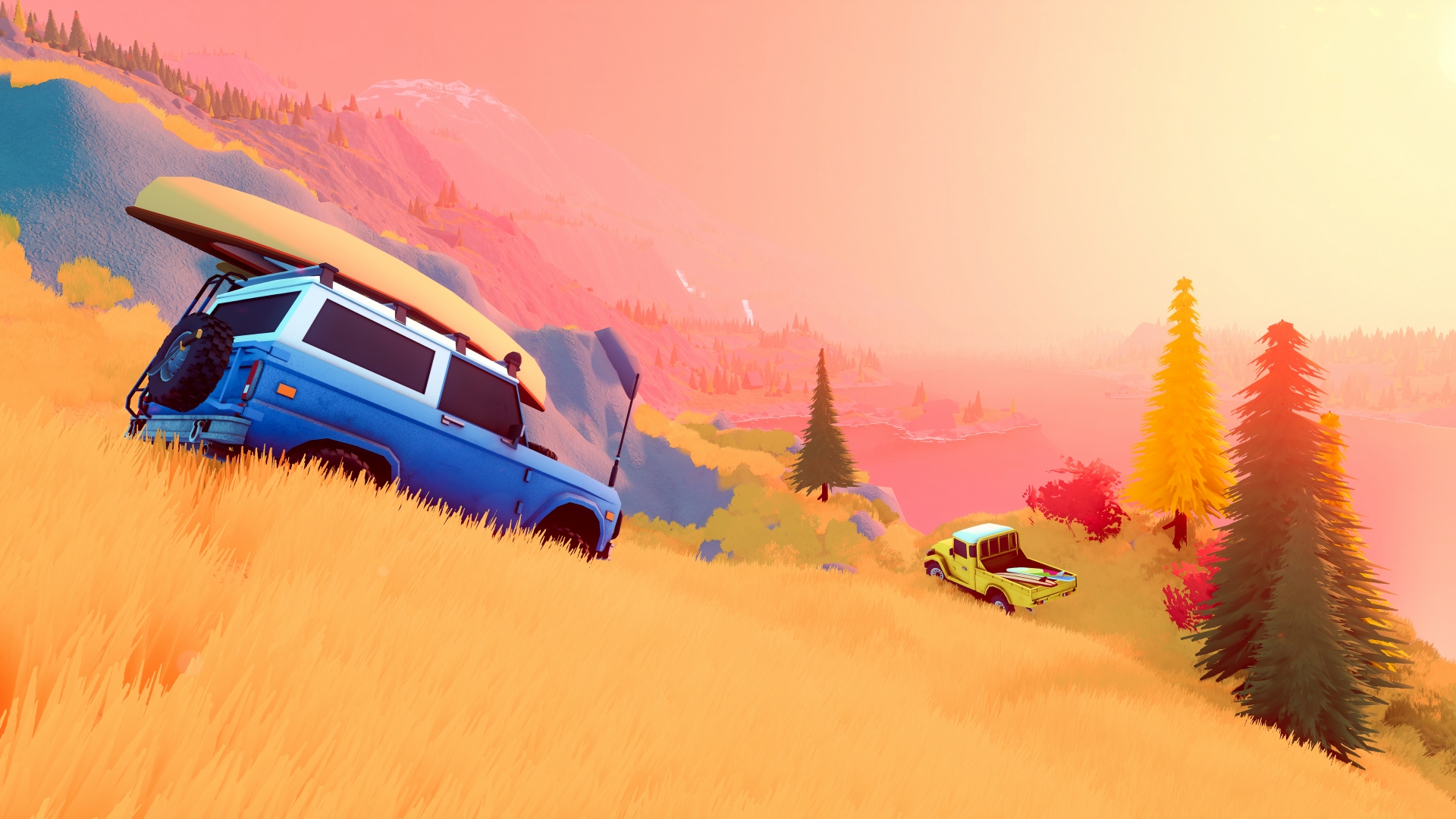
Source: official over the hill website. Game imagery © Funselektor and Strelka Games.
What portals do in Over the Hill
Portals are explicitly included among the discoveries listed on the official website and the Steam store. Their documented purpose is to take players to new areas, so they are part of the game's wider exploration structure rather than ordinary scenery. The same descriptions place them alongside cabins, viewpoints, landmarks and meteorites, making portal discovery one of several reasons to investigate the landscape beyond the current trail.
The collected official copy explains the travel function without supplying a release-build coordinate table or a complete route to each portal. It also describes completing objectives to unlock vehicles and customization as a separate progression system. The reliable answer therefore covers what portals connect and how they fit into exploration, without attaching an invented position, a guessed activation condition or a automatic portal reward to a particular objective.
Handcrafted areas and travel between them
The FAQ states that Over the Hill's maps are handcrafted, with different regions containing different areas. Each area is described as approximately four kilometres by four kilometres, and the developer says players can travel between areas without returning to the main menu. That is a useful description of map structure because it explains both the scale of an individual area and the connection between separate parts of the world.
The official website identifies portals as the way to discover travel to new areas, alongside objectives that unlock vehicles and customization. These are related parts of exploration, but the wording does not say that completing every objective automatically produces a portal. Keeping travel and rewards distinct explains the confirmed systems without creating a false rule about how every activity opens the next area or how many portals exist in each region.
The Demo map and its completion update
Emerald Lake was the full opening area provided in the June public Demo, giving players a substantial place to explore rather than the entire world. The checklist includes trails, reward crates, scenic points and rescues, all contained within that documented preview scope. This is why a map image from the Demo should be read as a view of its playable area instead of a complete picture of Canada and Algeria together.
The June 15 update describes a change that fully reveals the fog of war when an area is completed. It also records removing invisible colliders near Emerald Lake's waterfalls and fixing a cabin fast-travel issue, showing that map interactions changed during the preview period. Those notes provide concrete historical information about exploring the Demo, while the announced full-game regions remain a separate subject from those specific fixes.
Canada, Algeria and the meaning of a region
The August release announcement names Canada and Algeria as the regions included at launch, with several areas across those regions. The developer FAQ distinguishes a region from the individual areas inside it, describing area-based maps rather than one enormous uninterrupted map. This distinction matters when reading a region count, because two named regions do not imply that there are only two individual areas to explore.
The same FAQ describes the maps as handcrafted and gives an approximate area size of four kilometres by four kilometres. The announcement describes the full game's areas as containing more content than the Demo, which covered Emerald Lake rather than the complete launch world. These facts establish the structure and announced geography without turning a development target for area count into a final inventory of every release map.
Recovery equipment and difficult terrain
The Steam description names planks and winches as equipment for overcoming obstacles, with planks used to cross gaps and winches used to recover vehicles. Developer replies to Demo players explain that a vehicle can be winched to a nearby tree or to another player's vehicle in multiplayer. These are documented recovery options, so the equipment has a practical purpose within exploration rather than functioning only as decorative cargo on the vehicle.
When there is no suitable attachment nearby, the developer points to a portable winch anchor or a jack, both described as tools equipped at a merchant. The same reply offers opening the map and spawning at a cabin or merchant as a fallback when recovery cannot be completed. This establishes the available kinds of solution without inventing cable reach, equipment durability, item consumption, controller shortcuts or any other numerical recovery specification.
Changing weather and the surrounding landscape
The developer website confirms dynamic weather, a day-and-night cycle and terrain deformation as part of the exploration environment. The Steam description also emphasizes that changing conditions can transform a journey through forests, lakesides and mountains. These are confirmed environmental systems rather than a timetable of fixed storms or a promise that a route will feel identical whenever a player returns to the same place.
The wilderness also contains cabins, scenic viewpoints, landmarks and wildlife, giving those changing conditions a setting with things to discover. Photography lets players capture landscapes and animals, while equipment and vehicle upgrades fit into the practical side of reaching those places. This combination explains the game's focus on exploration: the environment is both a destination worth looking at and the terrain through which players drive alone or together.
Wildlife, viewpoints and photographs
The Steam store describes using the in-game camera to photograph native wildlife and fill a wildlife compendium. It also invites players to capture landscapes, sunsets and other memorable moments, which makes photography useful beyond completing an animal collection. The public Demo checklist corroborates the feature by specifically mentioning photographs of wild animals and saving memories through photo mode while exploring Emerald Lake.
Scenic viewpoints and natural landmarks are listed among the world's discoveries, alongside practical locations such as cabins and merchants. That gives exploration a mix of progression goals, vehicle-related stops and places visited simply for the view. Photography fits that mixture without requiring an invented wildlife roster or a claim that a particular animal always appears at a certain coordinate, hour or weather condition.
How objectives connect to vehicle unlocks
The developer's official game page explicitly connects objective completion with unlocking additional vehicles, upgrades, customizations and cosmetics. The public Demo announcement gives a more specific example, describing challenging trails as part of the process of unlocking the three vehicles available in that build. These two sources establish the progression mechanism without requiring a guessed reward table, a hidden purchase requirement or a particular order for completing the entire map.
The same Demo checklist includes reward crates, scenic points and helping stranded off-roaders alongside difficult trails. Those activities make exploration more than a search for the next vehicle, because the game also offers equipment, cosmetic unlocks and things to photograph. The reliable distinction is between the overall objective system and an individual reward: the developer confirms the system, while the collected announcement does not assign every vehicle to a named launch challenge.